
Walk the pad
We list every piece of equipment, check the power supply and valve layout, and test the Wi-Fi signal where the controller will live.
Pool automation puts your pump, heater, lights, valves, and salt system on one controller, so the pool runs on a schedule and you can change it from your phone. Lanterra installs new systems and retrofits older equipment pads, then sets the schedules around how you actually use the pool.
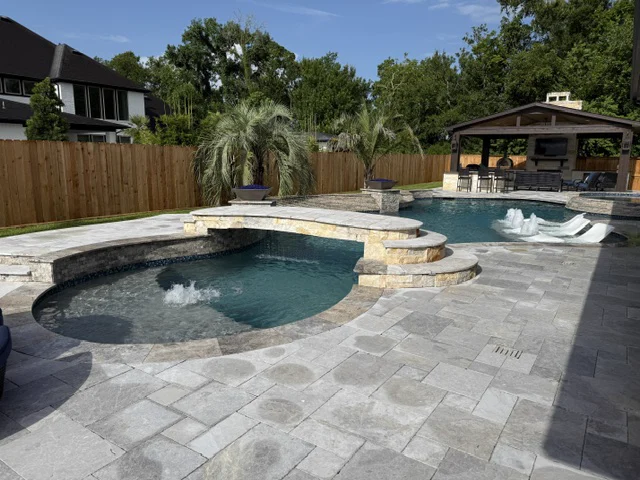
An automation system is a control panel at the equipment pad, wired to relays, sensors, and valve actuators, and often linked to the pump over a data connection. Instead of separate mechanical timers and valves you turn by hand, one controller runs everything on schedules. You change those schedules from a wall panel, an indoor remote, or a phone app.
The everyday payoff is a pool that takes care of itself between visits. The pump runs at a low speed most of the day and ramps up when the cleaner needs it. The lights come on at dusk. The spa starts heating when you tap a button on your drive home, not an hour after you walk out back to turn valves.
Some parts of the pad gain a lot from automation. Others barely notice it. Here is where it earns its keep:
Plenty of Houston-area pads grew one piece at a time: a mechanical timer, a separate light switch, manual valves, and a heater with its own controls. Automation can be added to most of them, but the pad has to be ready for it. We look at whether the pump can take commands from a controller, whether the heater accepts a remote on and off signal, whether the valves can take actuators, how the electrical supply is laid out, and whether there is room for a new panel.
Sometimes the smart move is to automate in stages: the controller and valve actuators now, and a variable-speed pump when the old single-speed one wears out. Our pool pump installation page covers that upgrade. If your pool is simple, with no spa, no heater, and one light, a good timer and a variable-speed pump with its own built-in schedule may get you most of the benefit. We will tell you that instead of selling you a panel you do not need.
Check Wi-Fi before you plan on app control. Equipment pads often sit on the far side of the house, and a weak signal is a common reason an app feels unreliable. The schedules still run without internet; only remote control depends on it.
Gulf Coast summers give a controller real work to do. Normal July and August lows at Bush Intercontinental sit around 75 to 76 degrees, so pool water stays warm day and night for months. Warm water favors algae, and a pump that sits idle half the day gives it room. Long low-speed runs and a salt cell schedule matched to them keep water moving and sanitizer steady around the clock.
Winter is short but can be sharp. Freeze protection keeps water moving through exposed pipes on the few nights that dip below freezing, but it only works while the pad has power, which the February 2021 freeze made painfully clear. Our guide on protecting your pool from a Houston freeze covers what to do when the power goes out too.
Summer storms also bring power surges, and controller boards are sensitive electronics. Surge protection at the pad is worth discussing when a new system goes in.
We list every piece of equipment, check the power supply and valve layout, and test the Wi-Fi signal where the controller will live.
You get a plain plan: what to automate now, what can wait, and whether full automation is worth it for your pool at all.
The controller, actuators, relays, and sensors go in, every circuit is labeled, and the heater is set so it can only fire when the pump is running.
We build the schedules, set freeze protection, connect the app, and walk you through it. Weekly service customers get the system checked on every visit.
Pump replacements and variable-speed upgrades, matched to your pipes and filter, checked for bonding, and programmed to run on less power.
Learn more 02Salt chlorine generator installs, salt cell cleaning, and cell replacement, plus the water chemistry that keeps a cell working.
Learn more 03LED and color pool light installs, failed light replacement, and cord and seal work, checked for safe wiring before it goes back in the water.
Learn moreSend the pool address and what is going on. Lanterra will follow up directly.